What We Build
Practical tools for people doing important work.
Find opportunities worth pursuing. Make complicated information useful. Help people discover resources, complete important tasks, and turn ideas into action.
We build custom apps, dashboards, campaign sites, and websites around the way your organization works—combining strategic consulting experience with practical development.
Certified Expertise. Practical Experience.
Common Ground Consulting is a Lovable Expert Partner, certified in app and website building. We combine that technical capability with decades of experience working alongside nonprofits, foundations, coalitions, and community organizations.
View Our Lovable Partner Profile (opens in a new tab)What Could We Build For You?
You don’t need to know what kind of software you need. Start with what you wish people could find, understand, or do more easily.
Understand how work moves through your organization, where people get stuck, and which changes could make the biggest practical difference. We can use guided conversations, including Prompted! where appropriate, to gather perspectives from the people doing the work and turn them into a focused plan.
Together, we choose a manageable workflow, define success, and test a custom approach or an existing tool. Your team can assess the result before committing to wider use.
Imagine: Your team spends hours gathering information for the same briefing every month. We help you map the process, test a way to assemble a draft with links to its sources, and assess the preparation and review effort before you decide whether to expand it.
Explore Our Digital Transformation ApproachBring relevant grants, contracts, and requests for proposals into one place. Track deadlines, eligibility requirements, and next steps—and evaluate opportunities using a scoring rubric developed around your organization’s mission, strengths, capacity, and priorities.
Imagine: Opening a shortlist that explains which opportunities deserve your attention, why they rank highly, and what you need to confirm before pursuing them.
See It In Action: RFP ScoutSupport the whole process of developing a strong proposal: understanding requirements, assessing readiness, shaping an approach, gathering supporting evidence, and reviewing a draft against the funder’s criteria. AI can help ask useful questions, identify gaps, and strengthen the writing while your team makes the decisions.
Imagine: A workspace that helps your team move from “Should we apply?” to a coherent, well-supported proposal, with clear responsibilities and checkpoints along the way.
Our conference proposal coach demonstrates guided idea development and editorial support.
See A Related Example: Conference Workshop Proposal CoachCreate guided conversations that people can complete using text or voice, in their preferred language, on their own schedule. Follow-up questions give participants room to explain their experiences while consistent core questions support comparison.
Bring those responses into an analysis workspace where your team can explore themes, compare perspectives across demographic groups or geography, and trace findings back to the original input. Revisit the information as new questions emerge, with human review throughout.
Imagine: Gathering community input tailored to your goals, across demographic groups and locations, then exploring how needs differ among participants—and checking the responses behind each finding without starting the analysis from scratch.
Help your team work through how AI should—and shouldn’t—be used in your organization. We can build guided tools that turn questions about your work, information, and responsibilities into a policy draft, a board briefing, and practical implementation steps for review.
Imagine: Giving your leadership team a concrete starting point for deciding which AI uses are appropriate, what information needs protection, and who is responsible for approving exceptions.
GOVERNED! AI Use Policy Builder
In Pilot DevelopmentWe’re developing a guided AI use policy builder for Pennsylvania prevention organizations. It asks about an organization’s circumstances and is designed to produce a policy draft, a one-page board memo, and a 30-day action list. The draft is intended for review by the organization’s leadership and legal counsel before adoption.
Build a way for people to discover places, organizations, services, or collections that are difficult to find through an ordinary search. Behind the scenes, the platform can support research, check entries against inclusion criteria, compare sources, verify details, and flag uncertain information for review.
Imagine: A public directory where listings are evaluated against meaningful criteria—and visitors can search by the qualities that matter to them.
See It In Action: Glazed And AmusedHelp people evaluate options using criteria they can understand. Develop scoring rubrics, weight priorities, explain tradeoffs, and show why an option ranks where it does. Make missing information visible so a score doesn’t imply more certainty than the evidence supports.
Imagine: Your team comparing software, potential partners, or project ideas using a shared framework instead of a collection of competing opinions.
See It In Action: RFP ScoutTurn reports and spreadsheets into information people can explore. Users can filter results, compare groups or places, and see patterns through understandable charts and explanations.
Imagine: Your staff, board, or community partners exploring the evidence behind a decision without needing a data analyst beside them.
See It In Action: Complex Data ExplorerTurn the project-tracking system your team already uses—spreadsheets, shared documents, email, and recurring check-ins—into a purpose-built application. Keep the steps and terminology that work, while making responsibilities, deadlines, approvals, and progress easier to manage. Include appropriate sign-in and access controls so people can see and update what they need.
Imagine: Your familiar project tracker becoming a shared workspace where everyone knows what they own, what’s due, what’s waiting for approval, and where a project needs attention.
Give a specific campaign a focused online home that helps people understand the goal and take action. Bring together the story, supporting evidence, participation options, and practical next steps—whether you want people to donate, register, volunteer, or get involved. Connect the experience to the forms and systems your organization already uses.
Imagine: Launching a fundraising appeal or community outreach campaign with one clear destination to share, where people can understand why it matters and how to participate.
See It In Action: CPA Prevention Support CampaignBring scattered documents, templates, checklists, and guidance into one place organized around what people need to accomplish. Help users find the right resource, understand when it applies, and put it to work.
Imagine: Someone planning an accessible event finding the checklist, sample language, and practical instructions they need in one visit.
See It In Action: Accessibility ToolkitHelp people follow a complicated issue without piecing together updates from dozens of sources. Organize developments by topic, connect explanations to source materials, and make changes easier to understand.
Imagine: Your members checking one place to see what changed, whom it affects, and what they may need to do next.
See It In Action: Statewide Legislative Field GuideTurn a series of questions into a clearer picture of where someone stands and what they could do next. Provide tailored explanations, priorities, and resources based on their answers.
Imagine: An organization assessing its readiness for strategic planning, identifying accessibility gaps, or deciding where to begin with AI—and leaving with practical next steps.
Give a defined group of people a place to access the materials, updates, and tasks relevant to them. Organize access around their roles so they can find what they need and pick up where they left off.
Imagine: A board portal with meeting materials and follow-up actions, or a client space with project documents, milestones, and feedback.
Help people apply what they are learning through short lessons, realistic scenarios, guided exercises, and feedback. Build the experience around situations they actually face.
Imagine: New board members practicing governance decisions, staff preparing for difficult conversations, or volunteers learning how to respond to common situations.
Give people a clear path from learning about your organization to doing something useful: finding a service, exploring a program, requesting help, or starting a conversation.
Imagine: A website where different audiences can quickly find what matters to them—and use the tools and resources you have created for them.
See It In Action: Common Ground ConsultingYour Idea Doesn’t Have To Fit A Category.
A useful tool might combine several of these capabilities. An opportunity finder could connect to a proposal workspace. A researched directory could include a matching tool. An assessment could guide someone to the right learning resources.
Tell us what people are trying to do, where they get stuck, and what you wish worked better.
Selected Projects
Different challenges. Tools built to fit.
See how these capabilities take shape in real projects. Each example shows the challenge, the tool we built, and whom it serves.
Showing 6 Of 10 Projects
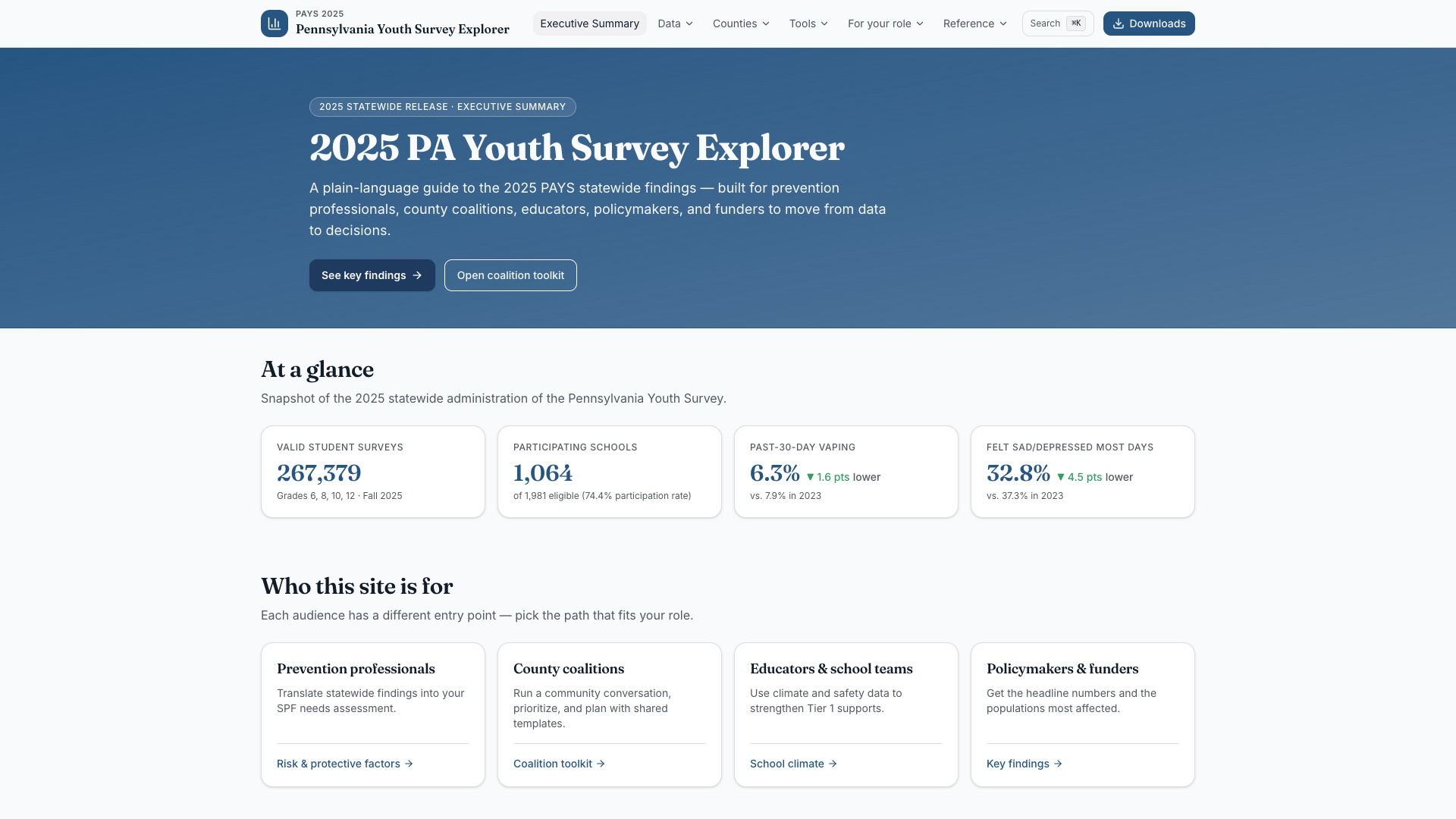
Complex Data Explorer
Making complex youth survey data clear and useful.
An interactive way to explore Pennsylvania Youth Survey findings, understand patterns, and bring statewide evidence into local prevention conversations.
Demonstration project
View Project Details : Complex Data Explorer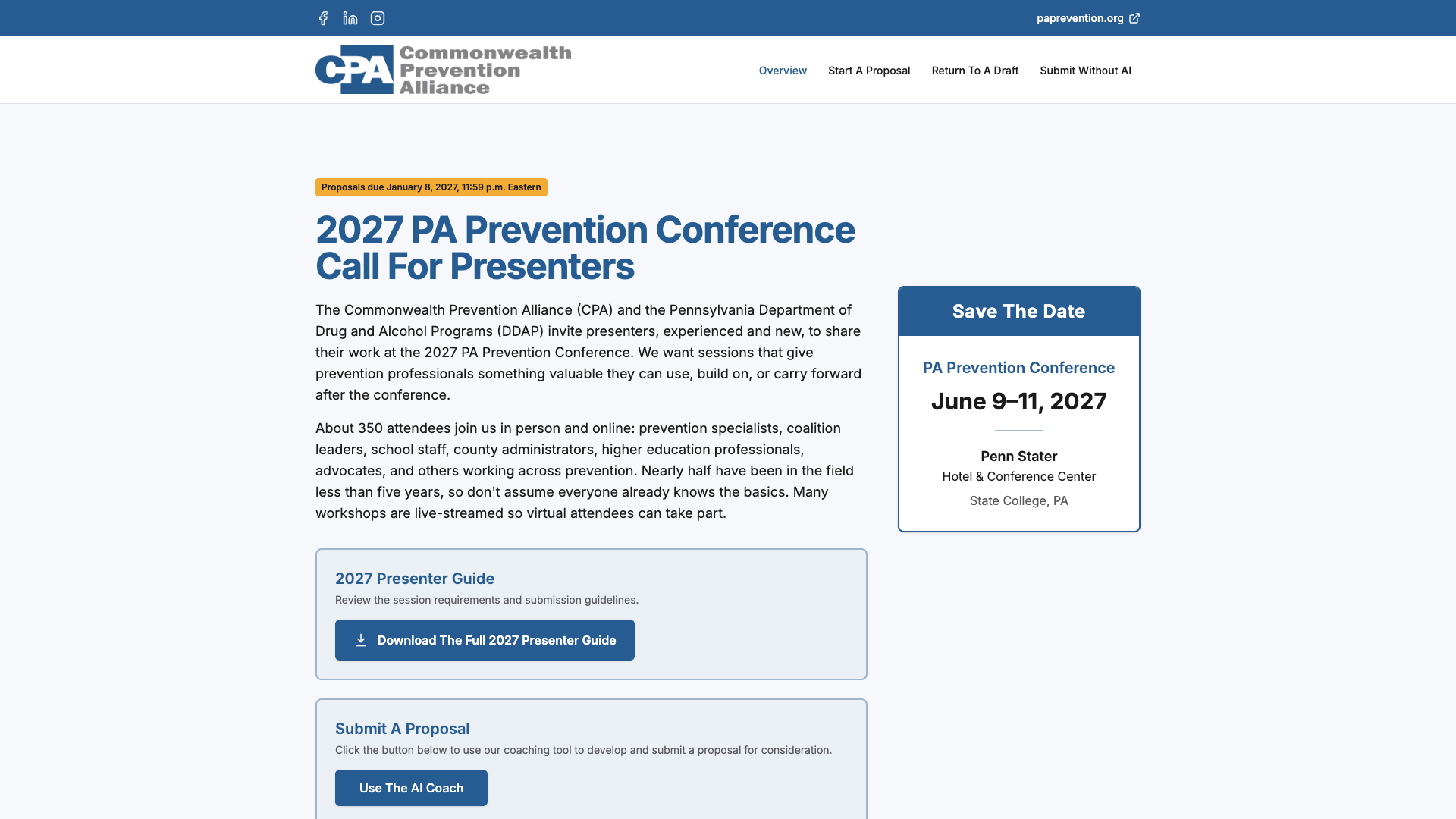
Conference Workshop Proposal Coach
Helping good ideas become stronger conference proposals.
A guided proposal-development tool that helps prospective presenters shape their ideas, refine their submissions, and stay in control of their work.
Built for the Commonwealth Prevention Alliance
View Project Details : Conference Workshop Proposal Coach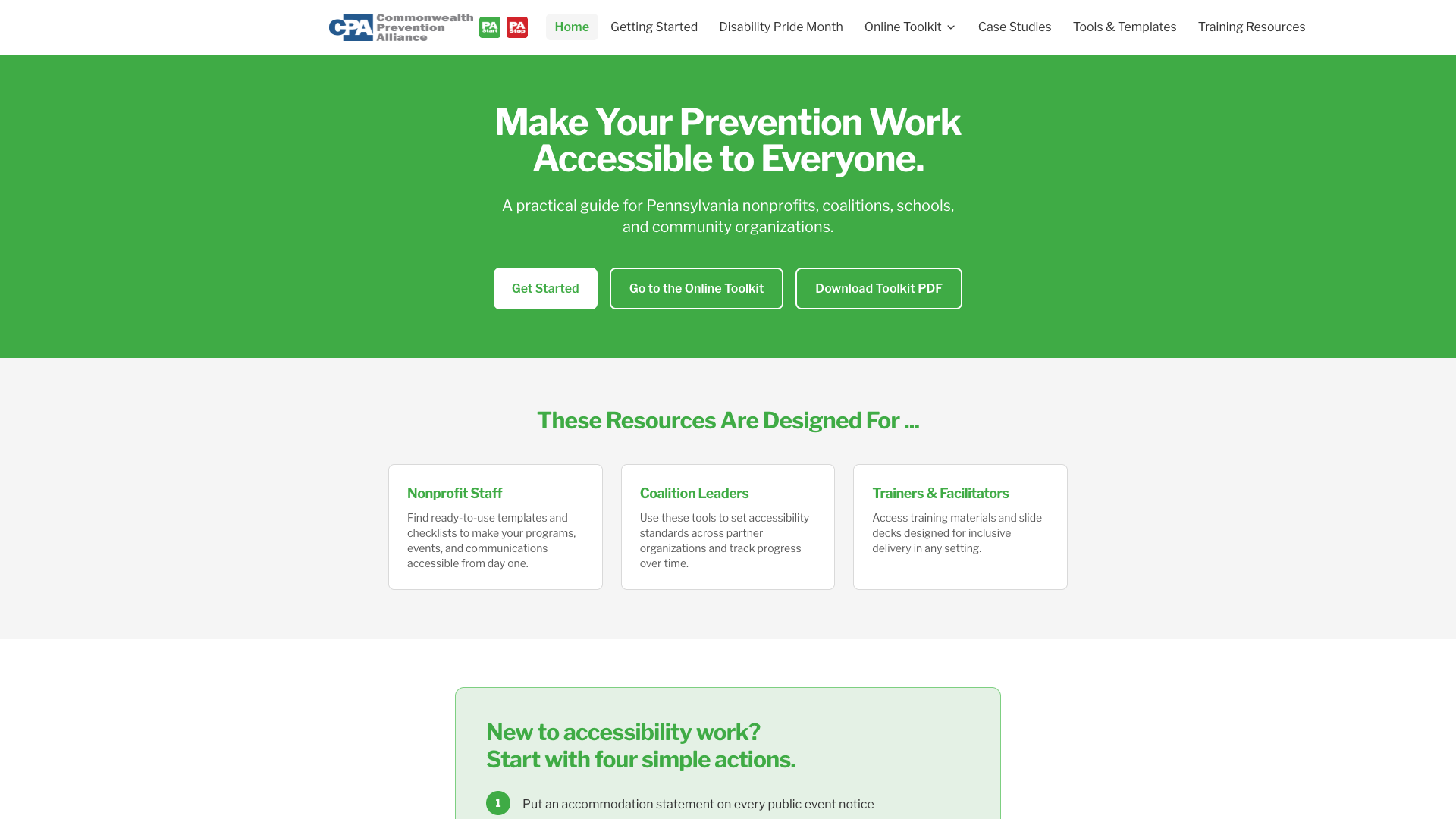
Accessibility Toolkit
Practical tools for more inclusive prevention work.
A practical resource that helps organizations turn accessibility commitments into concrete steps for events, programs, and communications.
Built for Pennsylvania’s prevention community
View Project Details : Accessibility Toolkit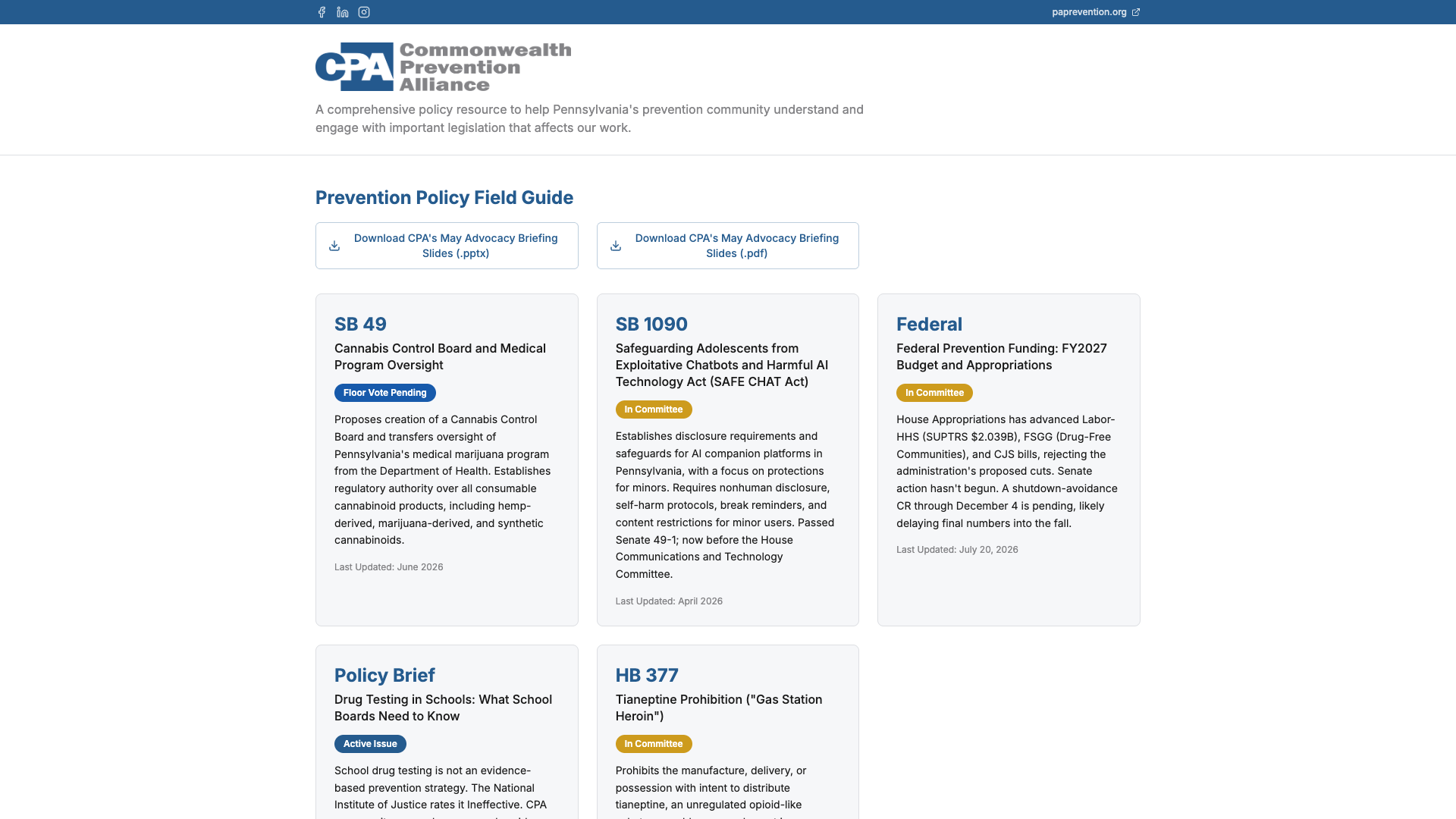
Statewide Legislative Field Guide
Making prevention policy easier to understand and discuss.
A field guide connecting policy explanations, prevention implications, and practical resources for informed conversations.
Built with the Commonwealth Prevention Alliance
View Project Details : Statewide Legislative Field Guide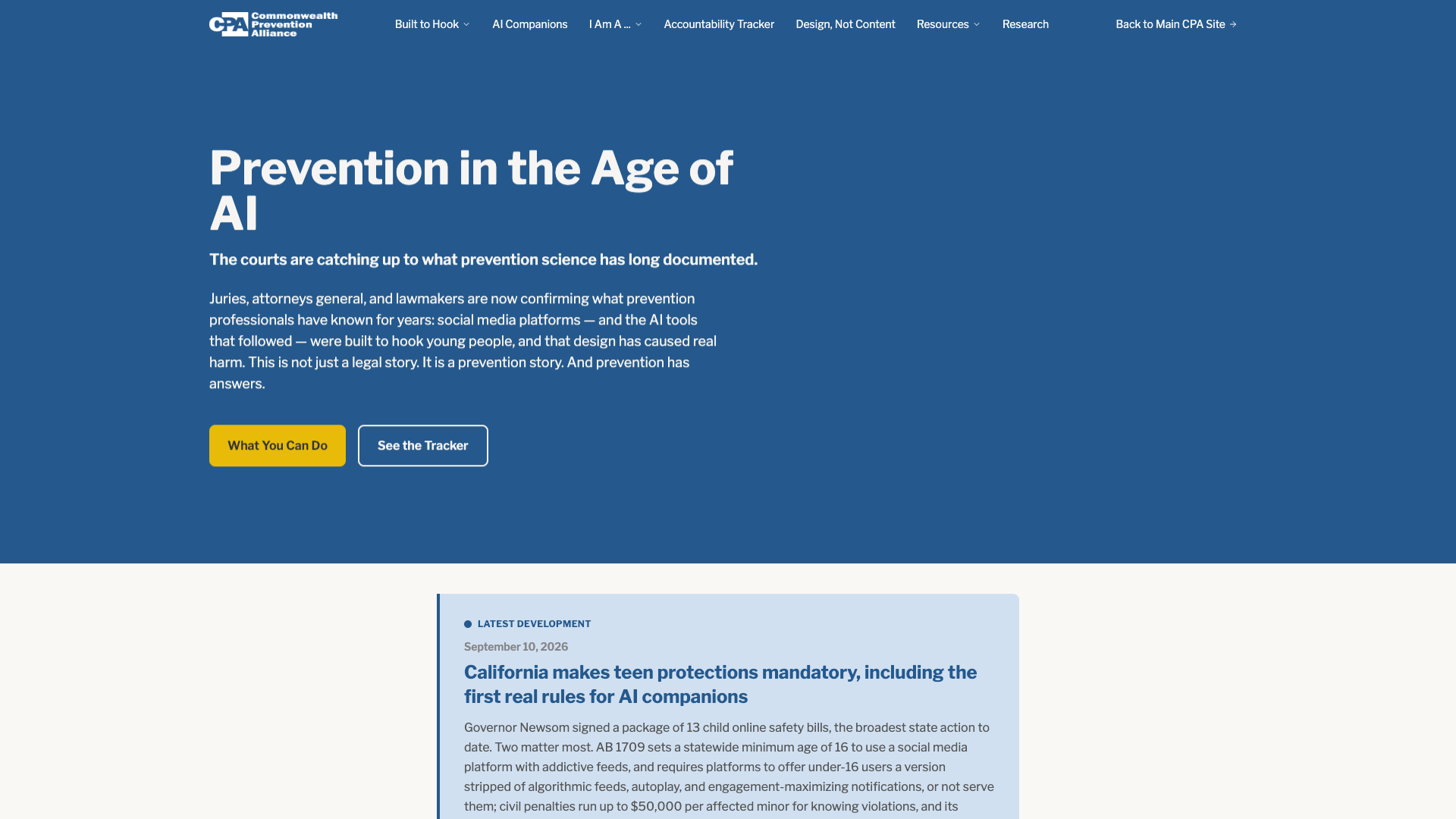
Social Media Lawsuits Tracker
Helping communities navigate social media, AI, and youth wellbeing.
A public resource that brings understandable explanations, practical guidance, and legal and policy developments into one place.
Built for the Commonwealth Prevention Alliance
View Project Details : Social Media Lawsuits Tracker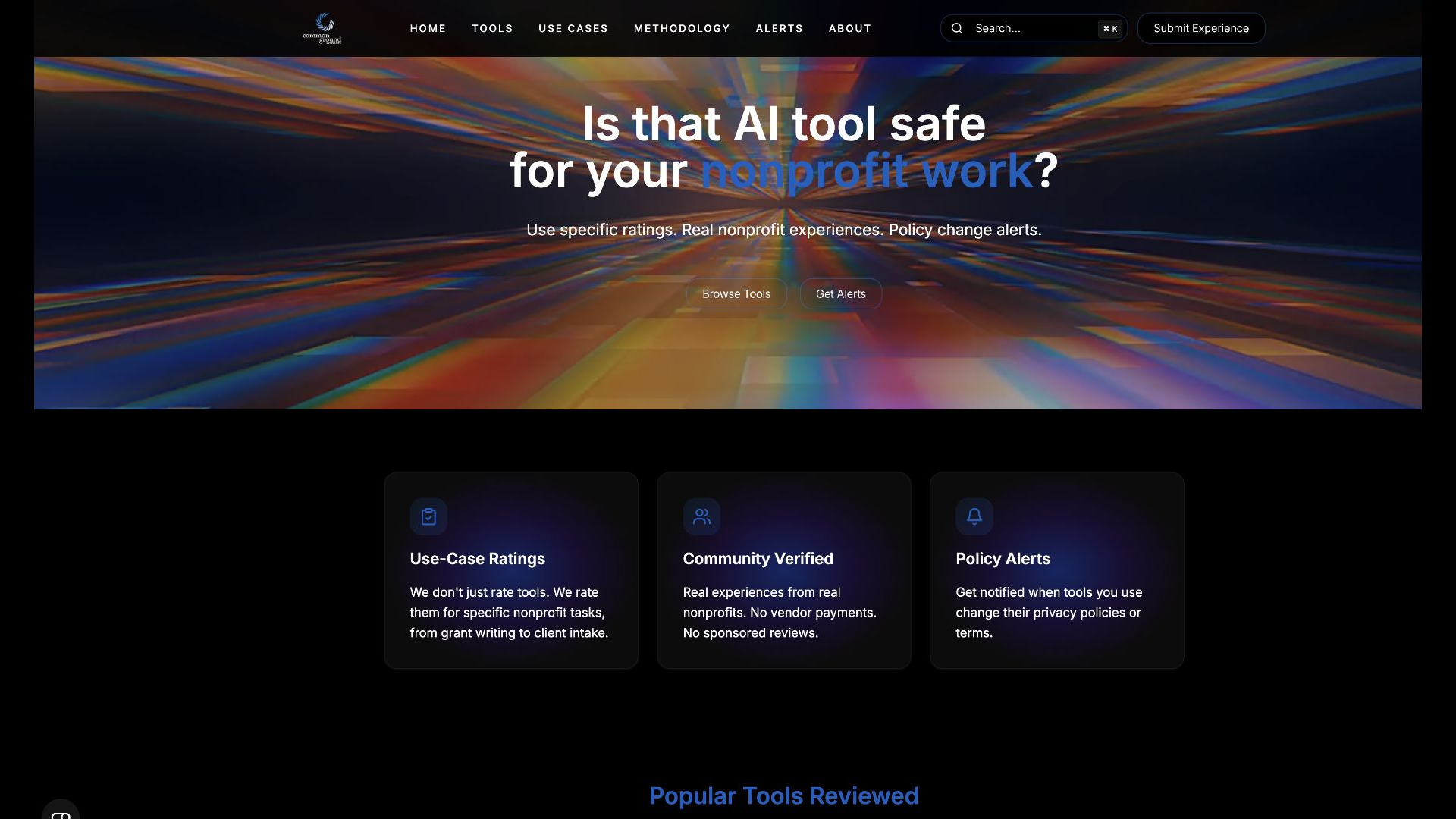
Nonprofit AI Tool Check
Helping nonprofits choose AI tools with confidence.
A practical directory that helps nonprofit teams compare AI tools against the tasks, budgets, and data considerations that matter to them.
A Common Ground resource
View Project Details : Nonprofit AI Tool CheckBuilt Around Your Work
A useful tool starts with understanding what people need to accomplish. We combine consulting and development to help you choose a worthwhile problem, try an approach, and decide what deserves further investment.
- 01
Choose The Right Starting Point
We look at the task, the people involved, and the information available. Together, we define one manageable improvement and what would make it worth using.
- 02
Try It With Your Team
We develop a focused prototype or evaluate an existing tool with you. Representative examples and feedback help us understand where the approach works, where it falls short, and what people still need to review.
- 03
Decide What Comes Next
We compare the result with the starting point and explain the practical requirements for wider use. Rollout, ongoing support, and additional workflows are scoped to fit what your team needs next.
What Does Your Team Keep Wishing It Had?
Perhaps it is a resource hub, a clearer dashboard, a better website, or an application you have been describing for years.
Bring us the challenge. You do not need a technical specification to start the conversation.